Invites as beautiful
as the wedding.
Want to find your photos by face after a wedding or a party? Klikshik's Auto Album is event photo face recognition for the people who were there. It spots you in the photos other guests take, and they reach you with one tap.
At any event, the best photos of you are taken by someone else. They sit in a cousin's camera roll or a friend's phone, and you see them only if somebody remembers to send them.
Asking around doesn't scale either. Nobody remembers who took what, and scrolling through a shared album of hundreds of photos for your own face takes an evening.
Sign in with your mobile number and take a quick selfie, looking straight and then slightly left and right.
Accept the invite, reply “I'm coming”, and turn on Auto Album for that event.
Klikshik checks the photos each guest takes during the event and spots who's in them, right on that phone.
Guests review their matches and tap Share. Photos of you land in your Yours tab, with a notification.
Every photo of you from the event comes to one place in the app, whoever took it. Filter them by who shared, and see new ones as they arrive.
Sharing stays open while the event runs and for 48 hours after it ends, so photos taken late into the night still find the people in them.
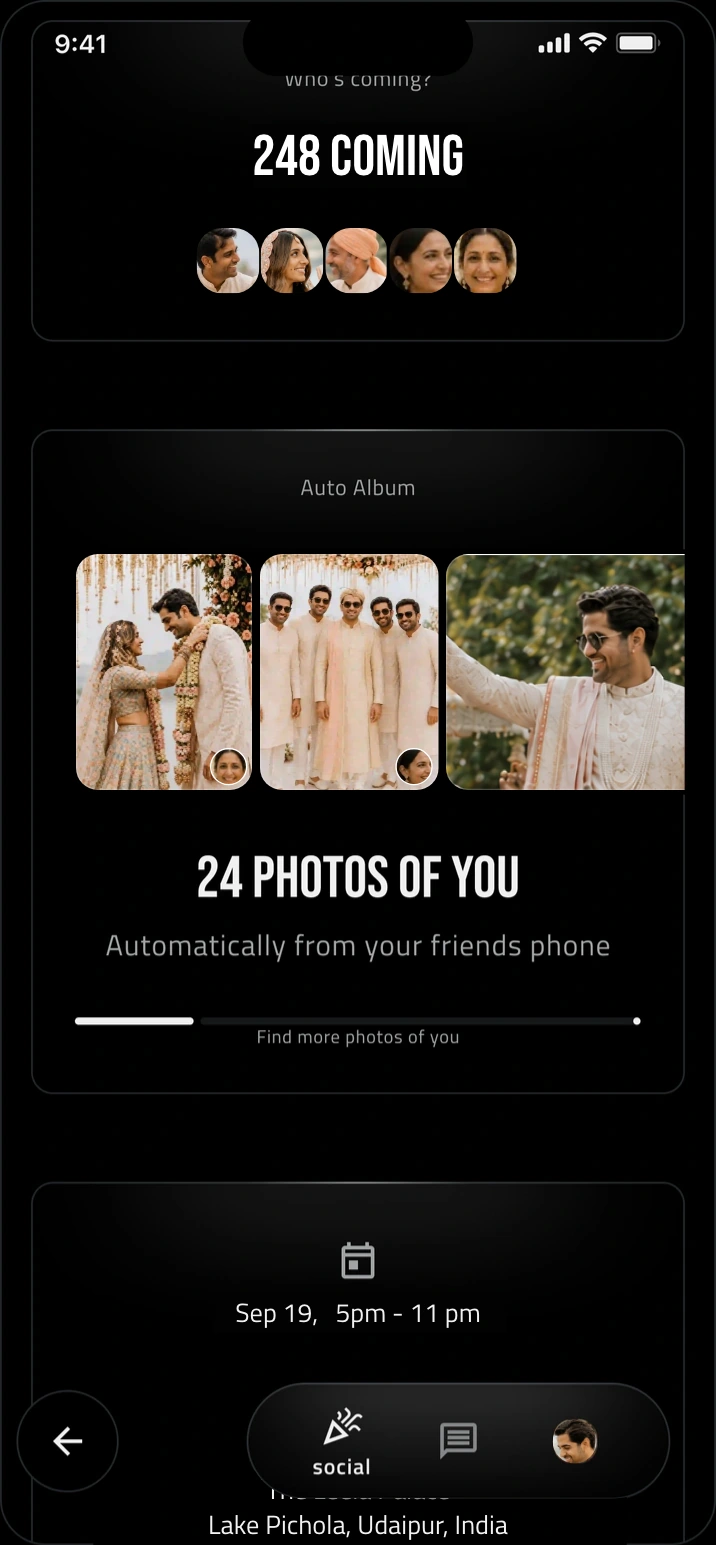
Only photos taken during the event are checked, and the rest of anyone's library stays private. Face recognition runs on the phone that took the photo, photos that match no one stay on that phone, and nothing is sent until the person who took it approves.
Turn Auto Album off at any time and you stop sending and receiving photos for that event. There are no ads.
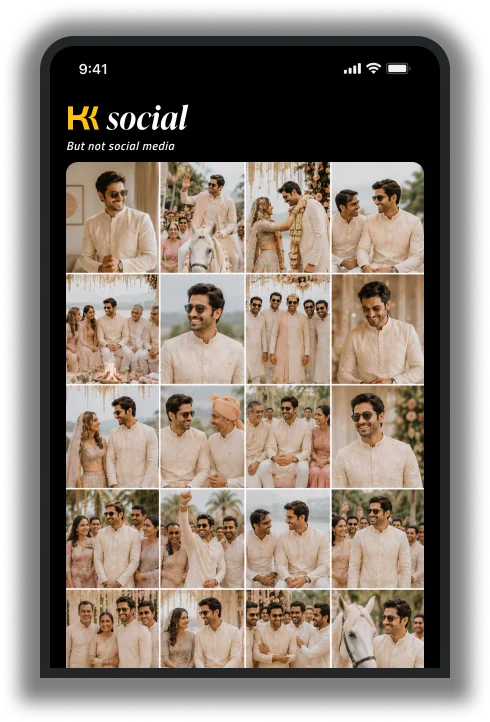
Face match works for weddings, parties and business events: the haldi and the sangeet, birthdays, baby showers, graduations, reunions, anniversaries and office parties.
Join the event in Klikshik and turn on Auto Album. Face recognition spots you in the photos other guests take during the event, and when they tap Share, the photos you're in arrive in your Yours tab.
Only the people in each photo. The guest who took it reviews the matches first, and each photo goes only to the people in it.
No. Klikshik checks only photos taken during the event, and photos that match no one stay on your phone.
Yes. Turn Auto Album off at any time and you stop sending and receiving photos for that event.
Yes. Klikshik is free to download on iOS and Android, and joining an event as a guest is free.
Turn on Auto Album, and every photo of you from the event comes to you.
Photographer? Klikshik is free for you too. See Klikshik for photographers